Less setup between you and the idea.
Describe the mechanism and task. Let AI help configure physics, connect components, and write the sequence. Inspect the setup and refine it.
Geometry → behavior
Agentic industrial digital twins.
Your assembly already has the geometry. Bring it to life with
physics, motors, robot controllers, and AI-assisted engineering.
For system integrators, robotics engineers, and machine builders.
01 / From static to working
Getting from one to the other takes joints, drives, sensors, and control logic. Simtekton gives your team an AI-assisted way to build that behavior—and share the result.
Describe the mechanism and task. Let AI help configure physics, connect components, and write the sequence. Inspect the setup and refine it.
Geometry → behaviorA fixed camera can only answer so much. Give clients a link they can rotate, zoom, and run in their browser, without simulation software.
Recording → interactive reviewCarry the configured physics, kinematics, and sequence logic from the proposal into post-sale engineering review and commissioning preparation.
Proposal → reusable baseline02 / The simulation underneath
Build the mechanics, movement, and control behavior behind your concept. Explore what happens when the parts interact.
Give geometry physical behavior. Explore mass, gravity, contact, friction, and constraints across the assembly.
Dynamic bodies / Colliders / Mechanical jointsDefine how axes accelerate, move, and stop. Configure linear and rotary drives, then inspect the simulated feedback.
Position / Velocity / Force controlBuild programs around the tool frame. Solve poses with inverse kinematics and run joint and linear movements.
URDF / TCP targets / Motion sequencesMake the process respond. Connect part detection to motor commands, gripper actions, and sequenced behavior.
Sensing / Suction gripping / Typed signalsDescribe the task. Let the agent configure components and write behavior, while you review and edit the implementation.
Built-in IDE / TypeScript / Runtime checksBring a working concept into the conversation. Share an interactive link or embed with clients and stakeholders.
Interactive views / Playback / Public embeds03 / Application studies
Explore where the same physics, motors, robot controllers, and behavioral components could take your next automation concept.
Showing 6 concept examples
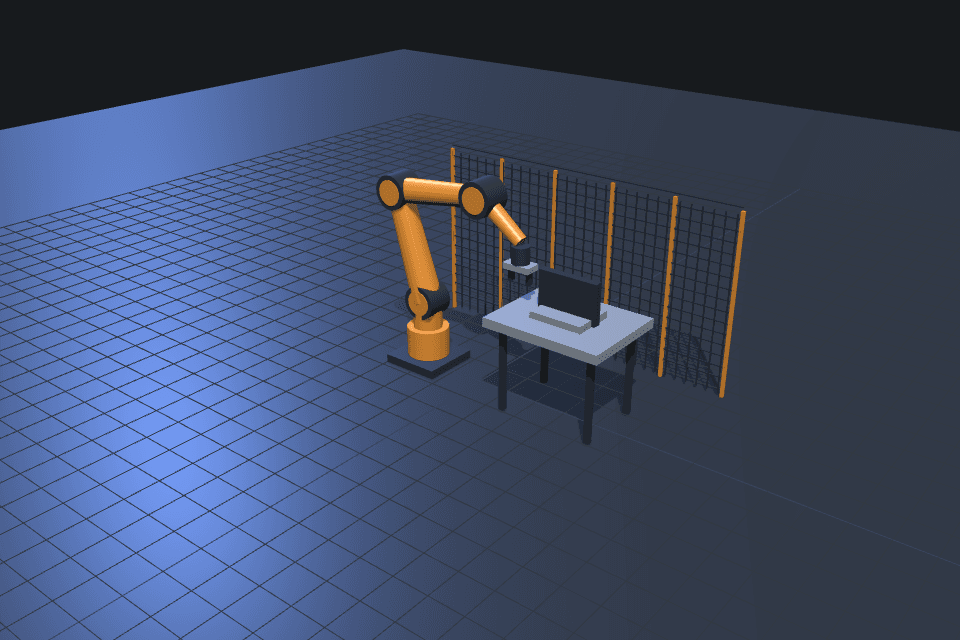 Concept example
Tool orientation, fixture access, and a sequence built around the workpiece.
Illustrative layout · Working demo coming later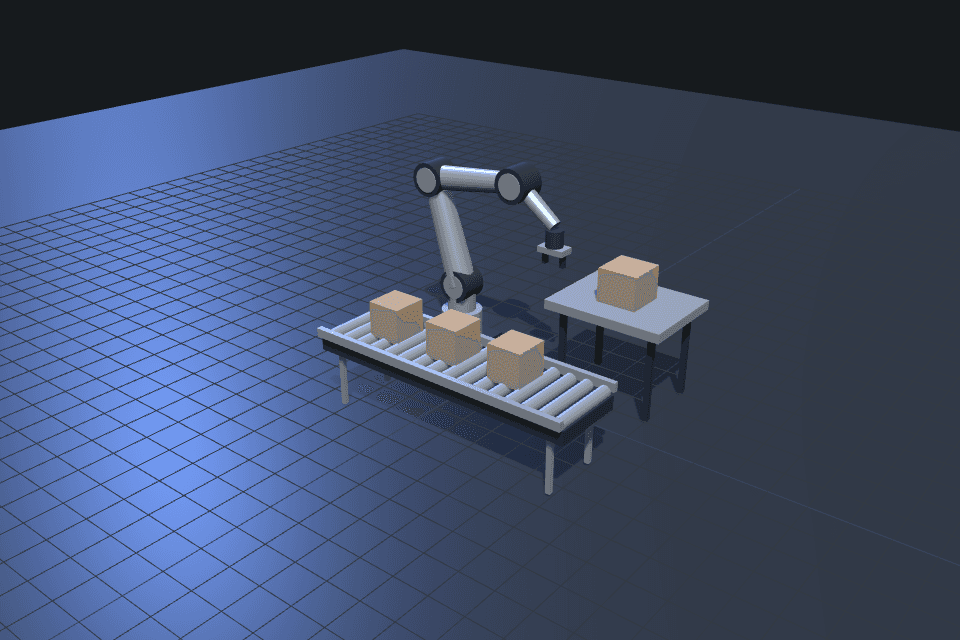 Concept example
A robot, a gripper, and a conveyor working as one process.
Illustrative layout · Working demo coming later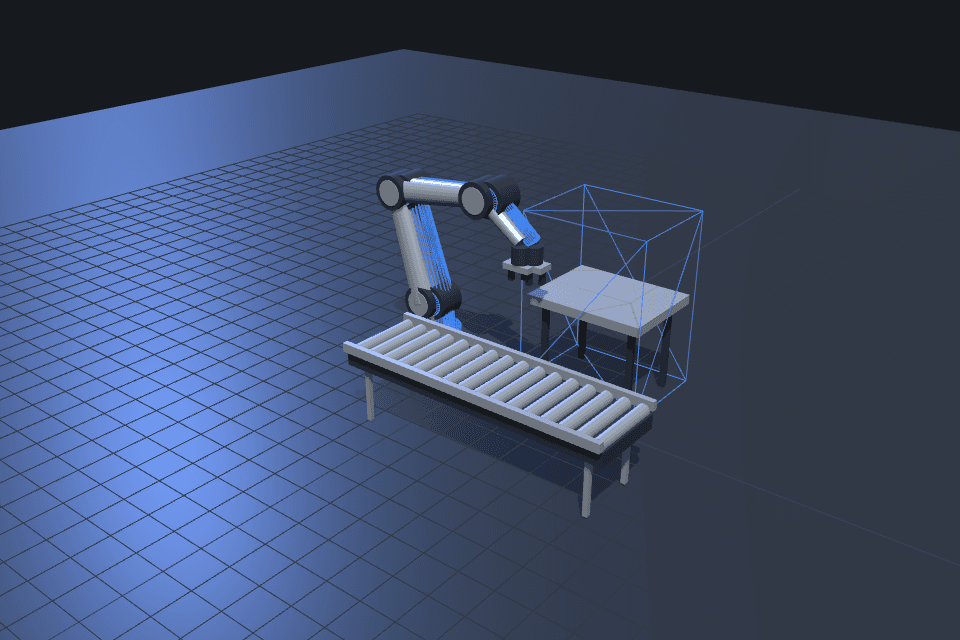 Concept example
A virtual model of the equipment, its mechanics, and its intended behavior.
Illustrative layout · Working demo coming later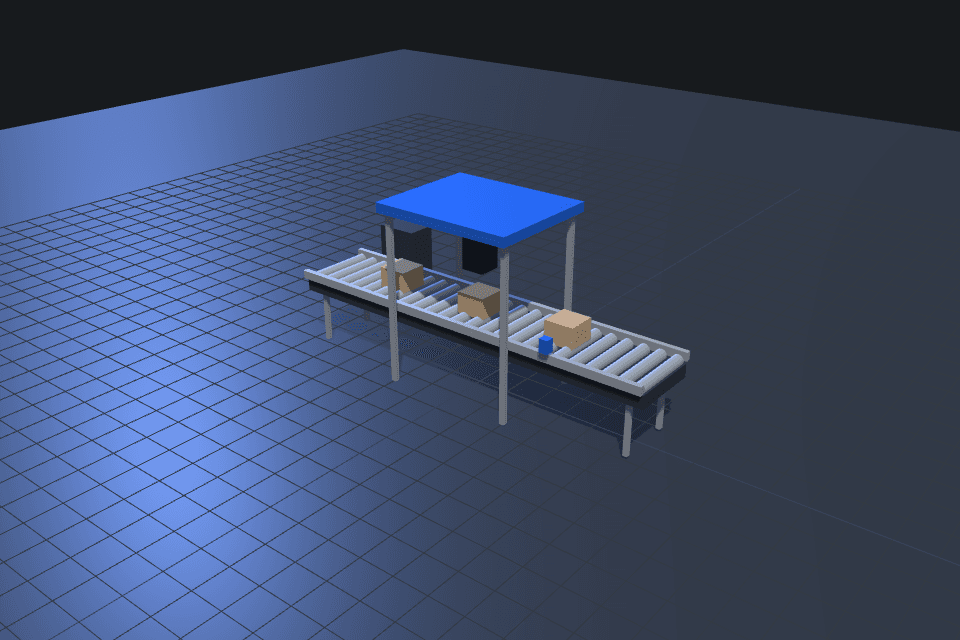 Concept example
Motor-driven mechanisms, sensing, and the logic that connects them.
Illustrative layout · Working demo coming later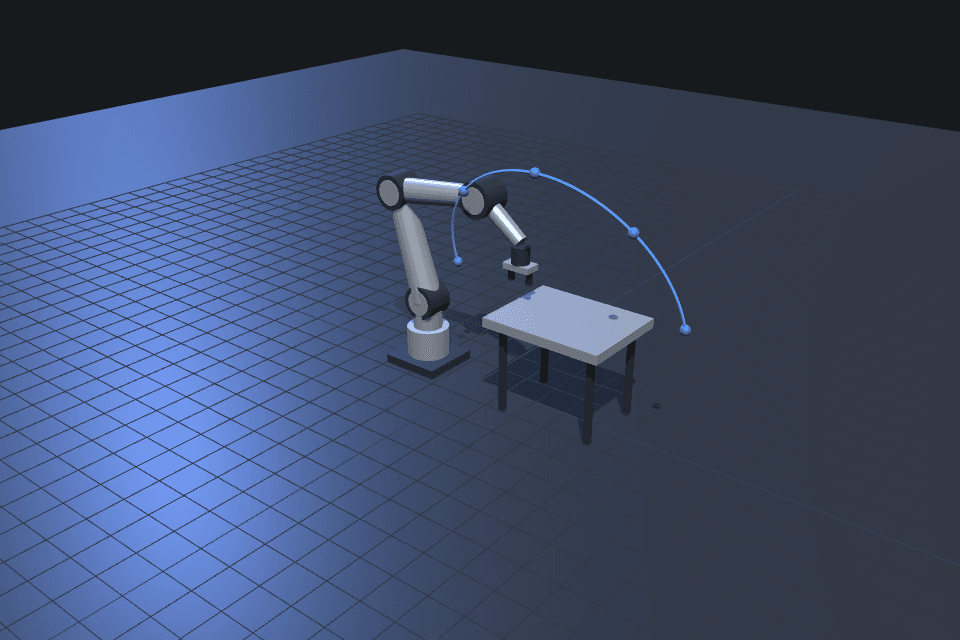 Concept example
TCP targets, joint motion, and trajectories through the workspace.
Illustrative layout · Working demo coming later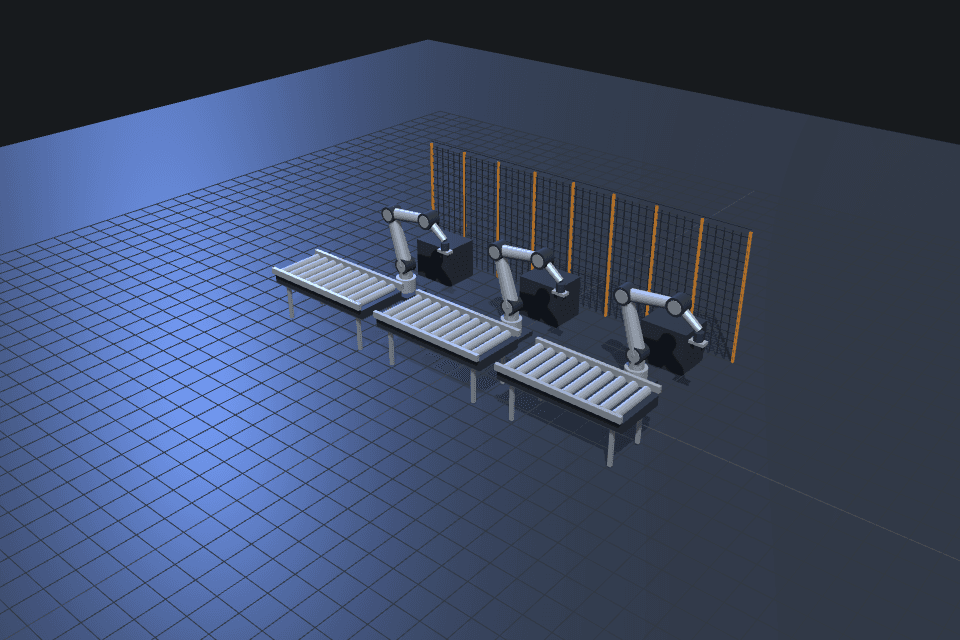 Concept example
Explore the connections between individual cells and a production layout.
Illustrative layout · Working demo coming laterThe gallery shows concept applications. Explore the available interactive product demo ↗
04 / Build it with AI
Bring in the equipment, tooling, and layout. Start with CAD geometry and a robot description to retain its links and joints.
GLB / glTF geometry · URDF with companion meshesAsk AI to add physics, configure motors, attach the tooling, and write sensor-driven behavior. Review the components and generated code.
AI-assisted setup · Editable implementationSend a client-ready interactive link. Hand the configured model to your engineering team and continue testing it as you prepare for commissioning.
Browser link · Reusable engineering model“Attach a suction gripper to this robot. When the sensor detects a part, pick it up, move it to the output conveyor, and release it.”
Example request. Review the setup, code, and simulated behavior in the built-in IDE.
05 / The real product
Try an existing Simtekton simulation. Control the viewpoint, run the scene, and share the same demo with a colleague.
Rotate the view. Run the process. Explore the concept.
Open demoSimulation results depend on the model, component configuration, and control logic. Use them to test assumptions and compare concepts before physical commissioning.
Simtekton brings physics-based simulation, robot and motor control, and AI-assisted engineering into the browser. For the application engineer shaping a concept. The robotics engineer working through a sequence. And the client who needs to understand what comes next.